

Unison UI for macOS
A native macOS GUI for the Unison File Synchronizer.
Two-way file synchronization between local folders and remote machines over SSH, with visual conflict review before synchronized files are changed.
brew install --cask bcourbage/tap/unison-uiRequires macOS 15 (Sequoia) or later, Apple Silicon. Free and open source under the GPLv3. Currently ships Unison 2.54.0.
Features
- Two-way synchronizationKeep files and folders current on both sides.
- Local and remote roots over SSHSync a folder on this Mac against another machine.
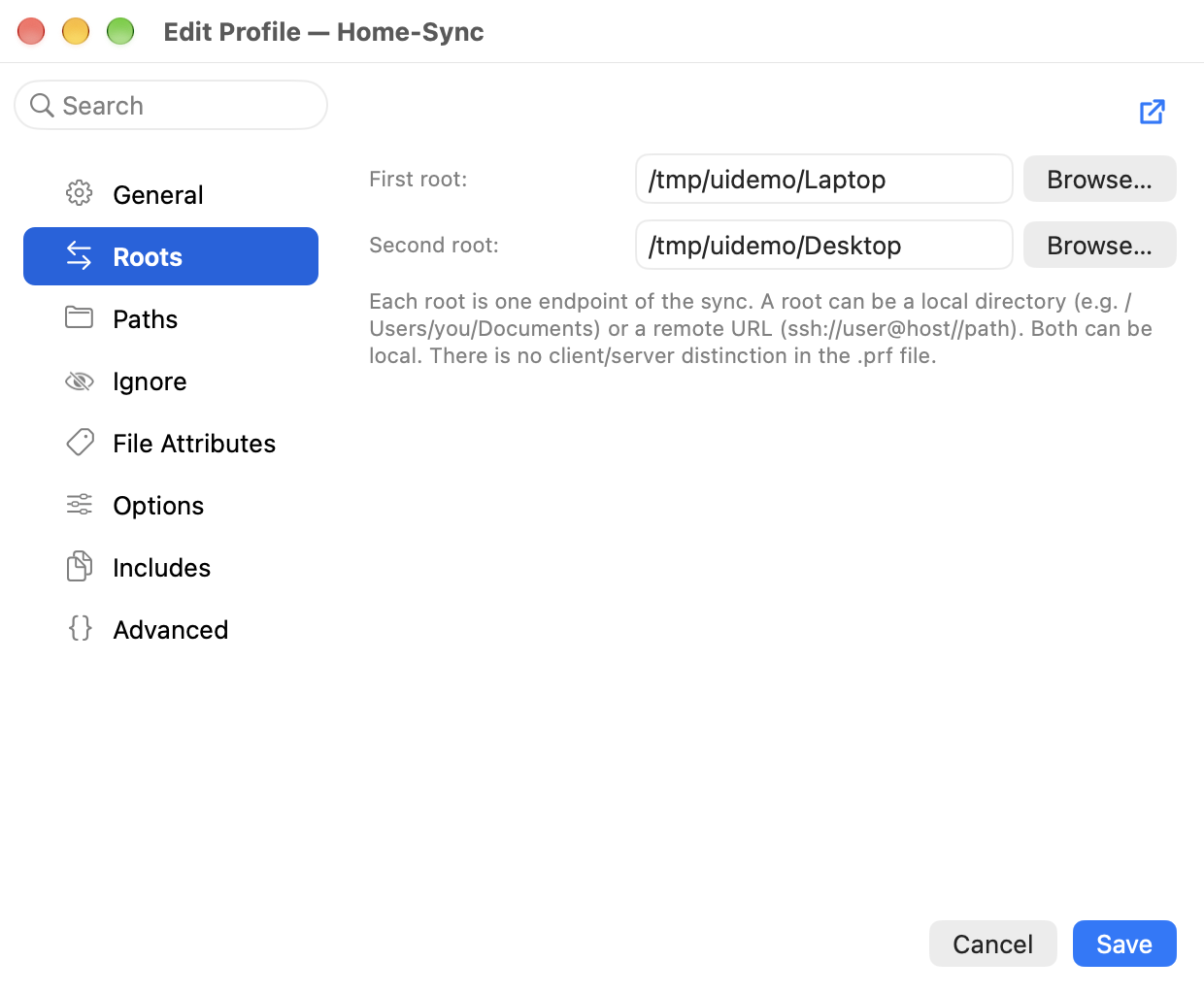
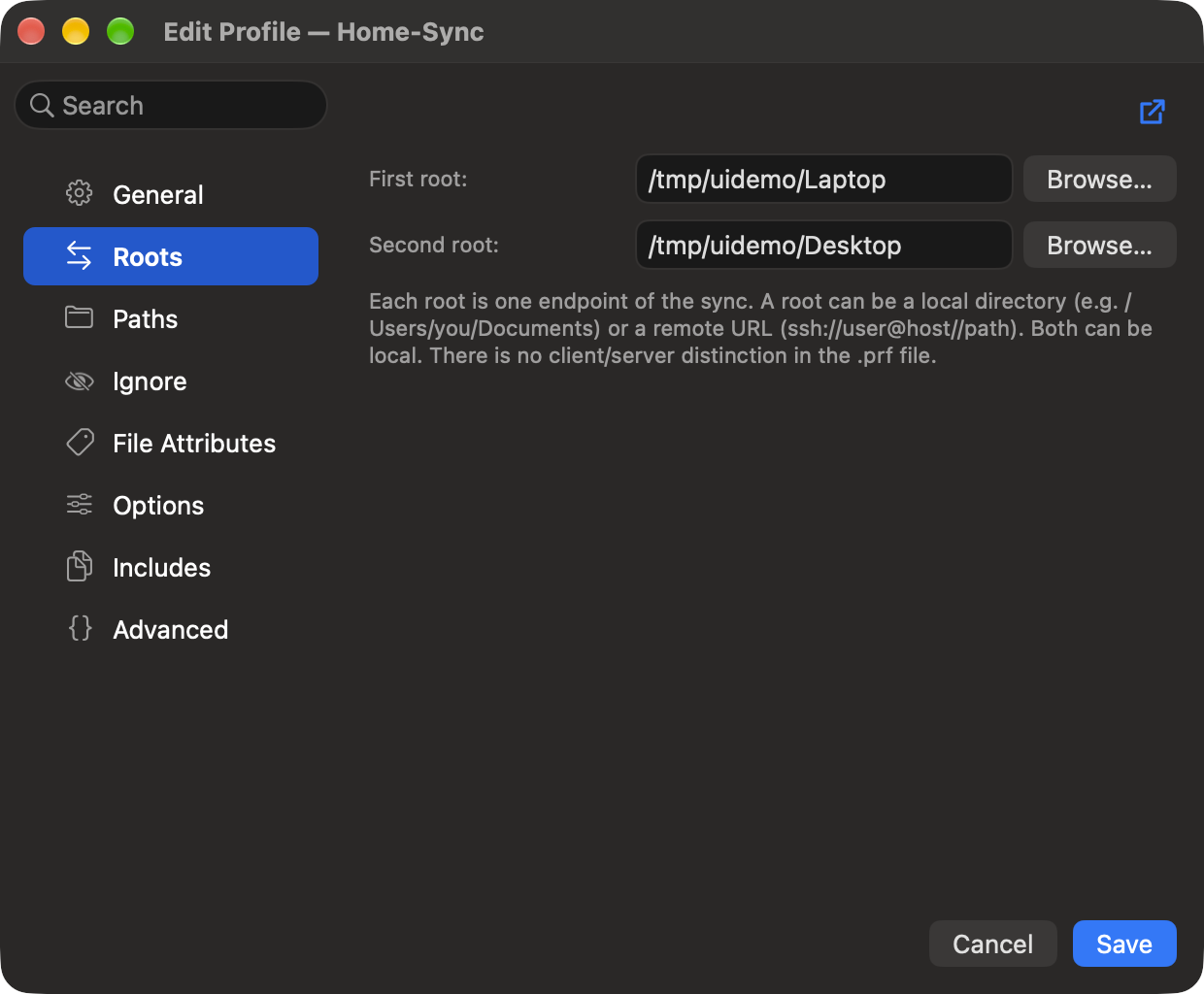
- GUI profile editorSet a profile's roots, paths, ignore rules, and options in a form, with no configuration file to hand-edit.
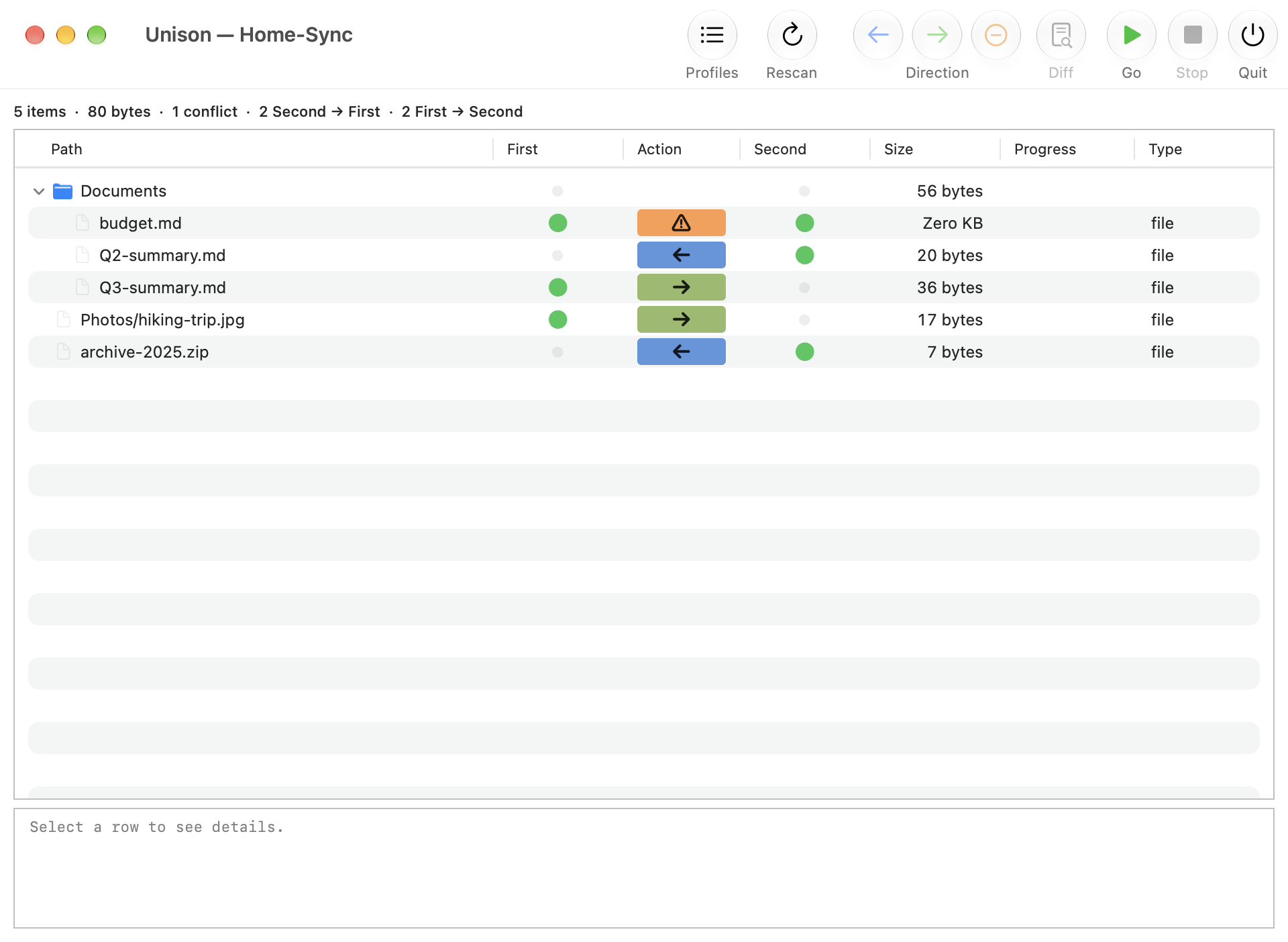
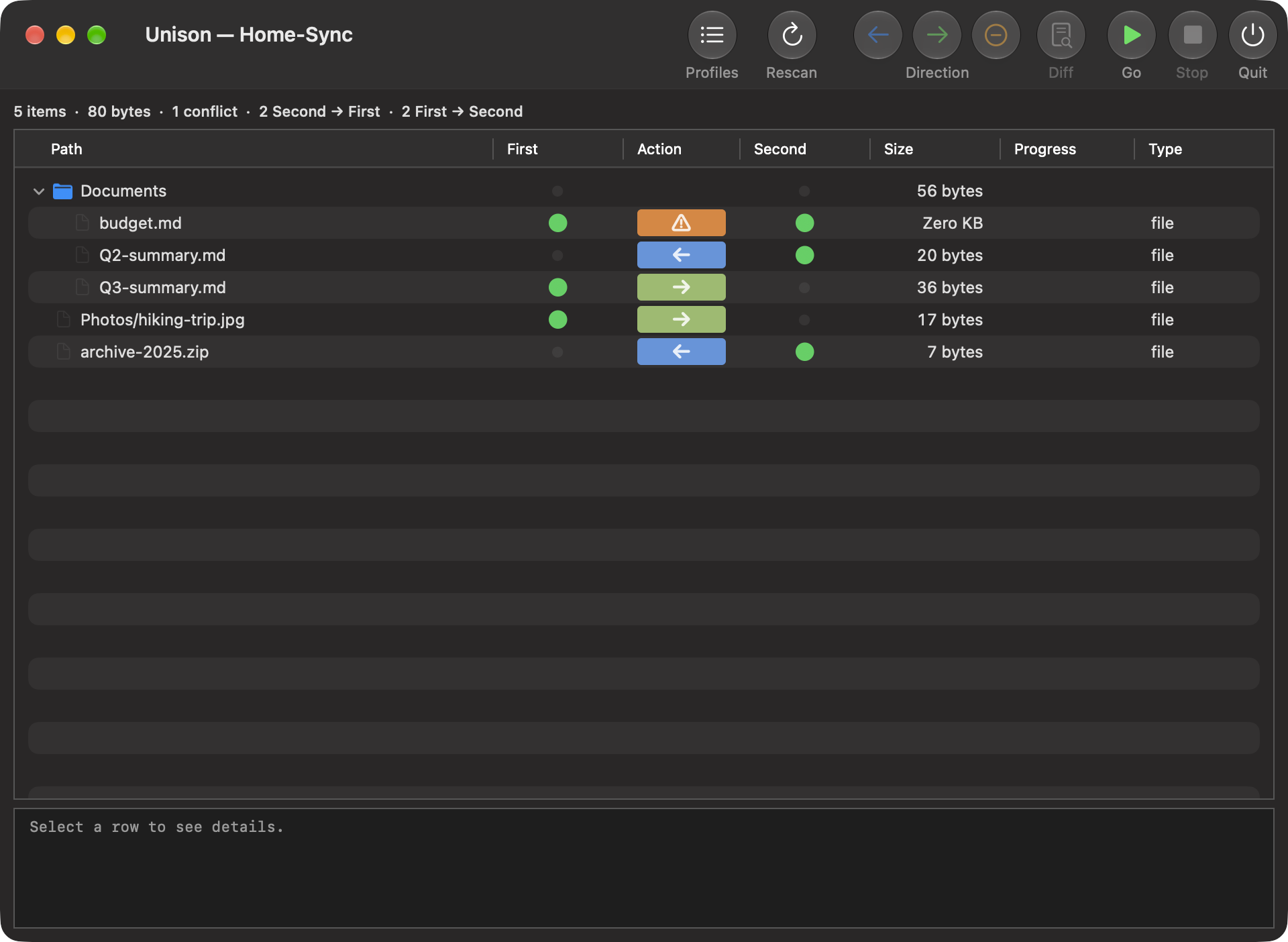
- Conflict reviewEvery proposed change is shown before it is applied to either root.
- Per-item controlFlip the sync direction of any item, or skip it, in the results.
- Stale archive cleanupReclaim superseded Unison archive files safely, moved to the Trash, leaving live sync state untouched.
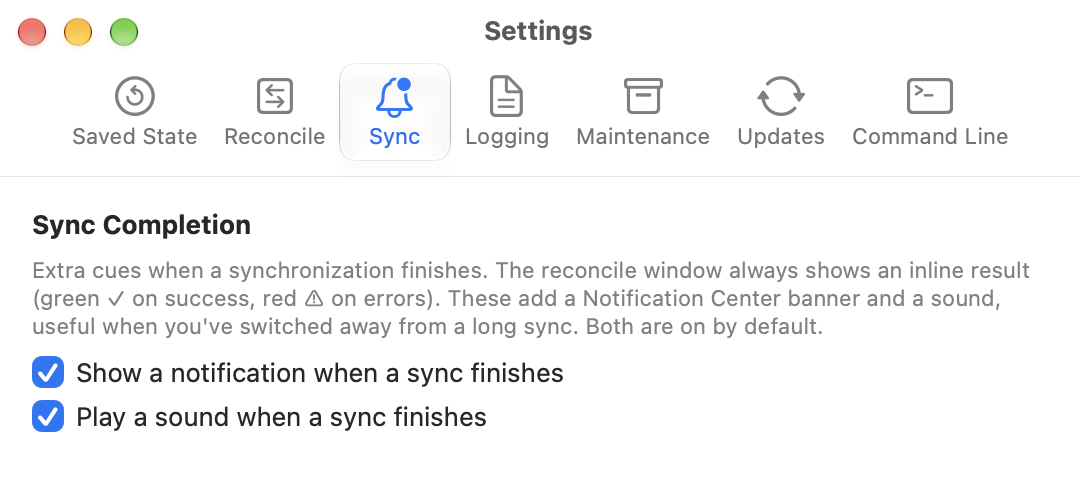
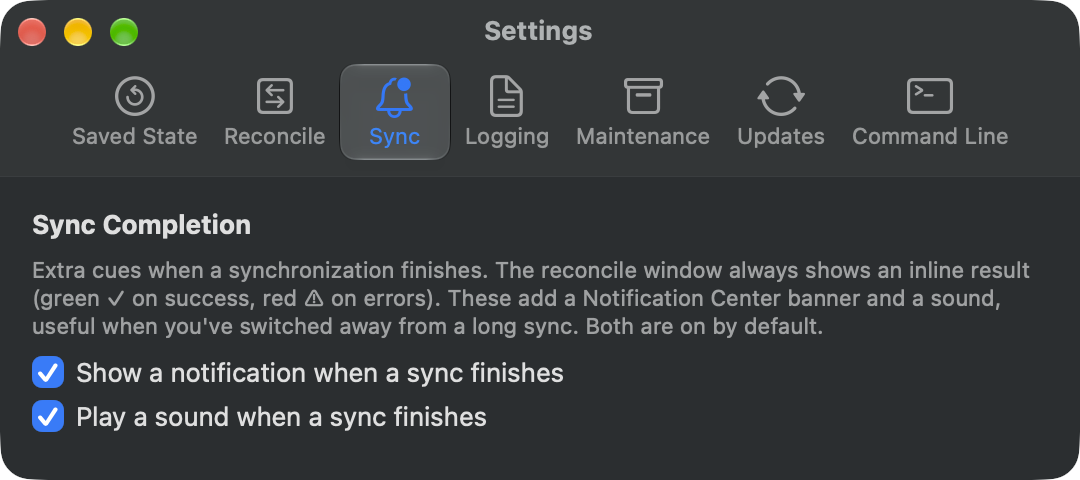
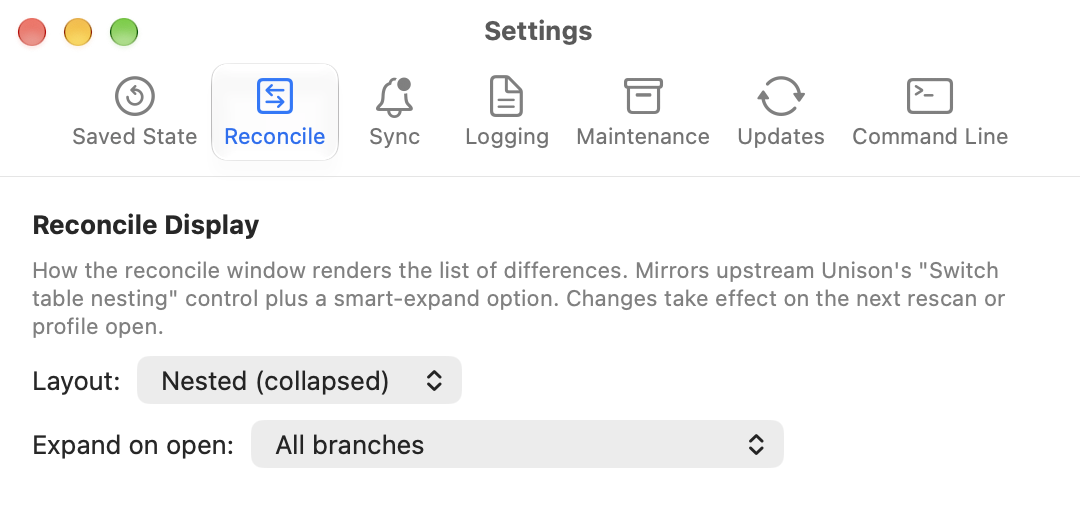
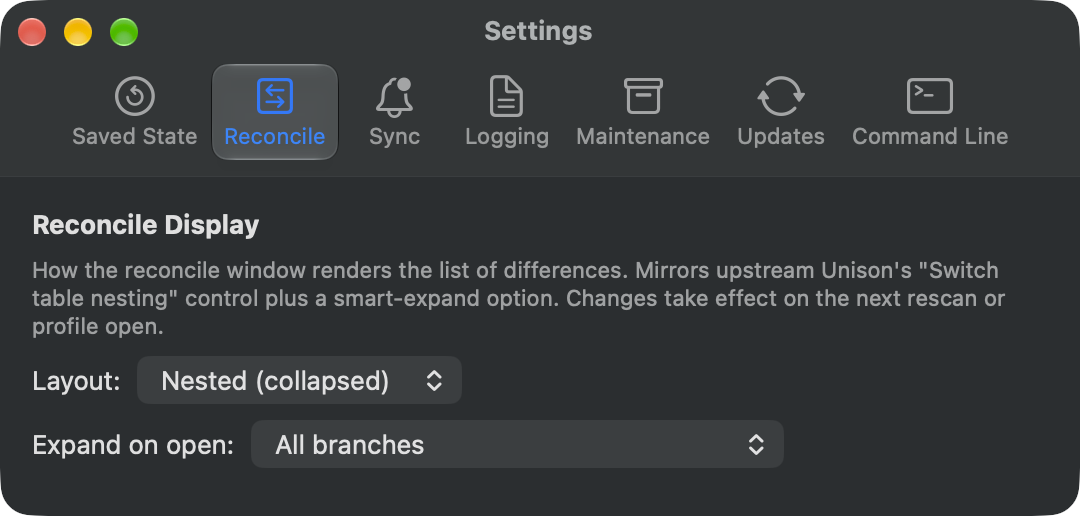
- Native macOS GUIReal menus, notifications, and keyboard control, with no terminal required.
- Keyboard shortcutsRun, stop, rescan, flip a row's direction, and skip, all from the keyboard.
- Self-containedThe Unison File Synchronizer engine is embedded; no separate
unisonCLI needed. - Command-line integrationStart a profile from Terminal: under the Graphical default,
unison <profile>(or explicitunison -ui graphic <profile>) opens the app on it. Pass session options like-path Documents, review the changes in the app, or use-ui textfor scripts. See the manual. - Built-in updatesDelivered through Sparkle from a cryptographically signed feed.
- Signed & notarizedRelease builds are Developer ID-signed and notarized by Apple.
What it is
Unison UI for macOS is a native front end for the Unison File Synchronizer, written in Swift and AppKit. It embeds Unison's compiled engine, so it performs the same two-way synchronization Unison is known for, locally or over SSH, with a modern macOS interface and a clear conflict-review step. See the manual for a feature-by-feature guide, or the FAQ for common questions.